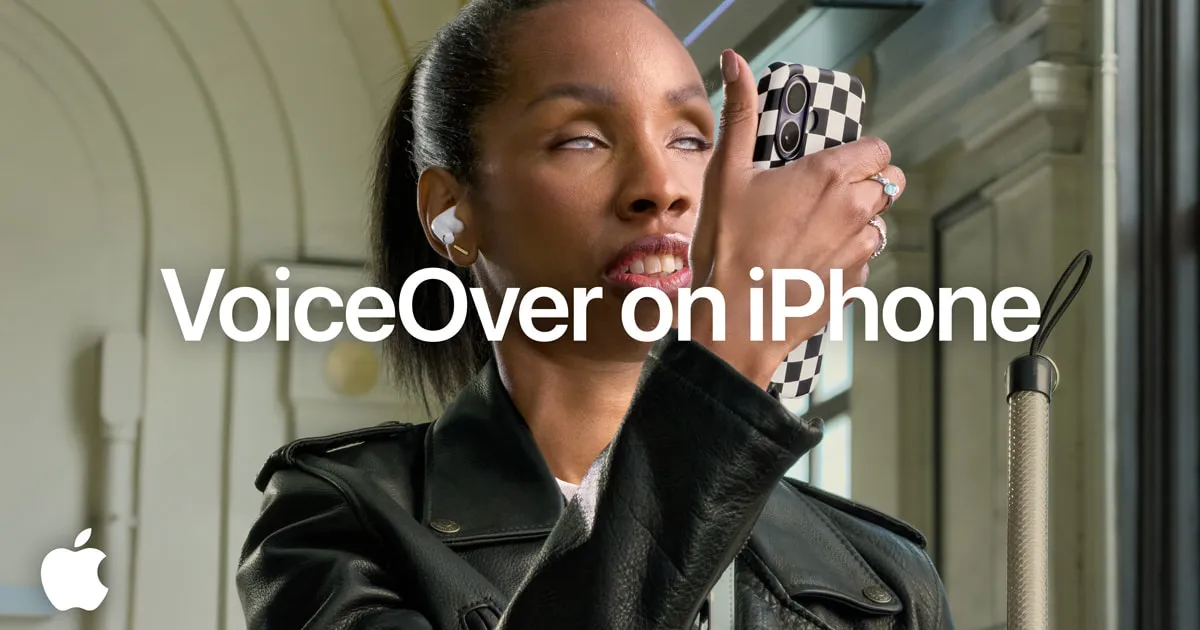
Apple outlined upcoming accessibility enhancements powered by Apple Intelligence for VoiceOver, Magnifier, Voice Control and Accessibility Reader, plus on-device subtitles for uncaptioned video and eye-tracking wheelchair control via Vision Pro. The updates add detailed image descriptions, natural-language commands and complex-document support while preserving privacy by design.
Tap a lens to see what this story means for you.
Liked this? The Brief brings you the whole day in tech, verified, every morning.
Two minutes, free forever. What's in The Brief →
See what’s happening right now
The Feed runs all day — short, verified briefs the moment they break.
Open the FeedFollow @thecircuitry_
Every story we publish, as it happens. No noise between.
Reader-supported
The Circuitry is a passion project I've always wanted to build, and I love the work behind it.
Running it costs real money. APIs, hosting, time. To keep improving the site and growing this into something useful for everyone, those costs have to be covered.
Any contribution is appreciated. If not, no pressure. Thanks for reading.
Bloomberg reports Apple will launch its first touchscreen MacBook Pros, a new iPad mini, and other models on or around October 27 with an online presentation and in-person press event. The products target creative professionals and include OLED displays across multiple lines.
MacRumors: Bloomberg's Mark Gurman has walked back earlier reports that the upcoming OLED MacBook Pro would be significantly thinner. The models are now described as significantly lighter only, with launch still expected later this month.
MacRumors: Multiple sources indicate Apple intends to hold two separate rounds of product announcements during October, covering home devices on the 13th plus Macs and other hardware later in the month along with the iPhone Duo.
Bloomberg's Mark Gurman says EU iPhone and iPad users may wait five months or more for Apple's upgraded Siri AI as Apple negotiates over the bloc's digital rules.
A federal jury in San Diego ordered Apple to pay Taction Technology more than $5.7 billion after finding that the Taptic Engine in iPhones and Apple Watches infringed two Taction haptic patents. The jury found the infringement was not willful, and Apple says it will appeal.