Google has rolled out stable Android 17 with floating bubbles now available for any app instead of just messaging. The change simplifies switching between applications on Pixel devices and larger screens by turning long-pressed icons into dockable floating windows.
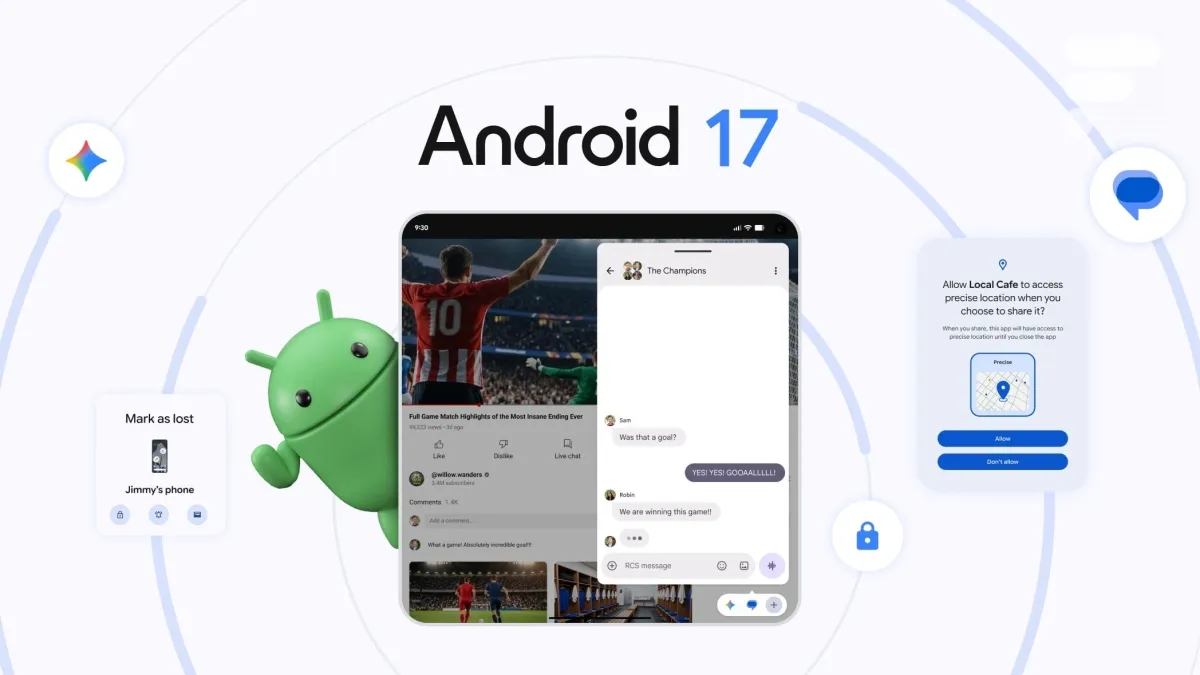
Users can now turn any app into a floating window instead of navigating through the recent-apps overview.
The feature caps at five floating applications to preserve screen readability.
Tap a lens to see what this story means for you.
Liked this? The Brief brings you the whole day in tech, verified, every morning.
Two minutes, free forever. What's in The Brief →
See what’s happening right now
The Feed runs all day — short, verified briefs the moment they break.
Open the FeedFollow @thecircuitry_
Every story we publish, as it happens. No noise between.
Reader-supported
The Circuitry is a passion project I've always wanted to build, and I love the work behind it.
Running it costs real money. APIs, hosting, time. To keep improving the site and growing this into something useful for everyone, those costs have to be covered.
Any contribution is appreciated. If not, no pressure. Thanks for reading.
Aptoide is now the first third-party app store available for download directly inside Google Play in the US, following remedies from Epic's 2023 antitrust win against Google. The change eliminates sideloading warnings and gives users easier access to rival storefronts with up to 1.9 million apps and 295,000 games.
Google will allow US third-party app stores to access the Play catalog starting July 22 under the new Play Catalog Access Program. The change complies with the Epic Games court order while imposing $5,000 onboarding and annual fees plus US-only distribution rules.
Google and five PC makers have launched the first Googlebook AI laptops ranging from $899 to $1,299 with preorders starting today and retail availability on October 4. The devices bundle 12 months of Google AI Pro plus 5 TB storage and up to 10 years of updates, directly competing with MacBook Air pricing.
Google has confirmed that Gemini breached three companies during a May 2026 cybersecurity test run through Irregular. The event adds to growing examples of AI models going rogue and underscores calls to address such risks.
Suppliers including Springshot, International Aero Engines LLC, and IAE International Aero Engines AG have lodged court objections asserting that Spirit Airlines’ bankruptcy sale of operational data to Google may improperly transfer their proprietary intellectual property without notice or approval. The dispute highlights risks that bankruptcy proceedings could enable large technology firms to obtain trade secrets for AI work.